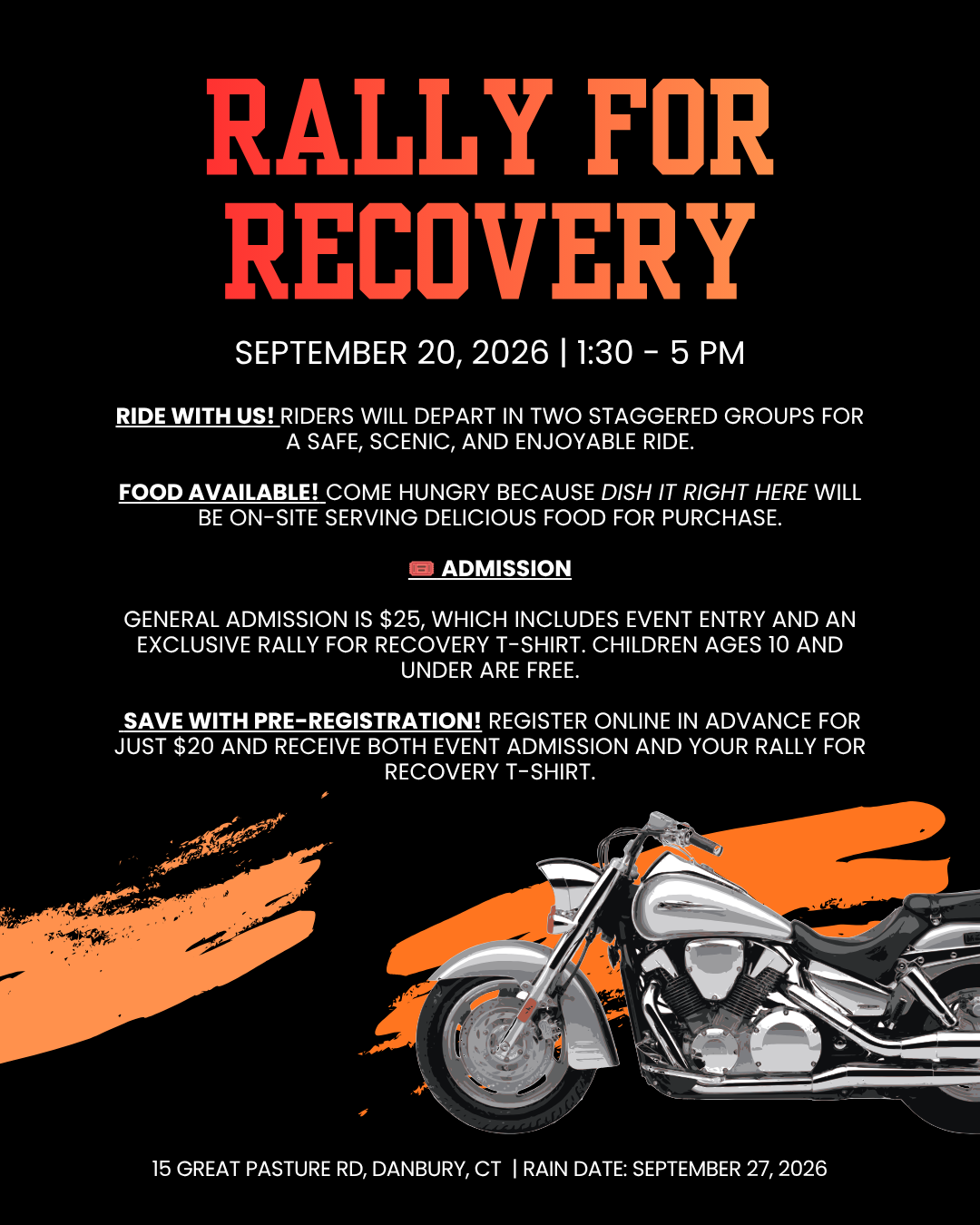
 Image 1 of 1
Instructions:
Click the button that reads: “Click here to Register Via Cart!”
Fill out the form so we have your name and contact email. We will use these to admit you to the event and contact you if something changes about the event.
Add any other Adults by clicking the button again, or visit our kids registration page here so you can do it all in one purchases.
On a computer or tablet, A cart should appear in the top right of your screen. On your phone it should be in the hamburger menu at the top.
Click the cart to go to Checkout.
Complete your checkout with your preferred payment method.
Then you’re all set and we cant wait to see you at the event!
You must complete the purchases via checkout to be officially registered!
A massive thank you to our sponsors: